
You press start to preheat for dinner, but your range simply beeps, flashes an error, or ignores your fingers completely. An unresponsive control panel freezes kitchen routines instantly, especially when you are preparing for busy weeknight dinners or autumn holiday baking.
Before you assume the entire appliance is broken, many control glitches come down to accidental lock modes, surface moisture, or temporary electronic freezes. Follow these five practical steps to troubleshoot and restore your oven touchpad safely.
Turn Off Child Lock or Control Lockout
Modern digital ranges feature a safety lockout designed to prevent children or accidental bumps from turning on heating elements. When this feature activates, the touchpad will not register standard bake, broil, or temperature inputs, and you may notice a small padlock icon, the letters "Loc", or a steady blinking light on the screen.
- Locate the lock button on the console, which is frequently combined with the "Clear/Off", "Timer", or "Start" key.
- Press and hold the designated lock key for three full seconds until you hear a long beep or watch the padlock symbol disappear.
- If your panel uses a multi-key sequence, check the small text printed beneath the keypad keys for model-specific prompts.
- Once unlocked, test a standard bake cycle at 350°F to confirm the buttons register touch immediately.
If the lockout feature turns on by itself repeatedly, an internal button sensor may be sticking underneath the front overlay.
Perform a Hard Power Reset at the Breaker
Just like a computer or smart television, the electronic control board inside your range can freeze due to minor voltage ripples, electrical noise, or power interruptions. Resetting the appliance clears temporary system memory and reboots the processor.
- Head to your home electrical panel and locate the dedicated 240-volt double-pole breaker for your electric range (or the 120-volt breaker for a gas range).
- Switch the breaker firmly to the "Off" position.
- Wait a full 5 to 10 minutes to allow the capacitors on the main control board to drain their residual charge completely.
- Flip the breaker back to "On" and return to your kitchen.
- Set the digital clock, which recalibrates the user interface on many popular brands.
Testing the keypad right after a power reboot often resolves minor software loops without any physical disassembly.
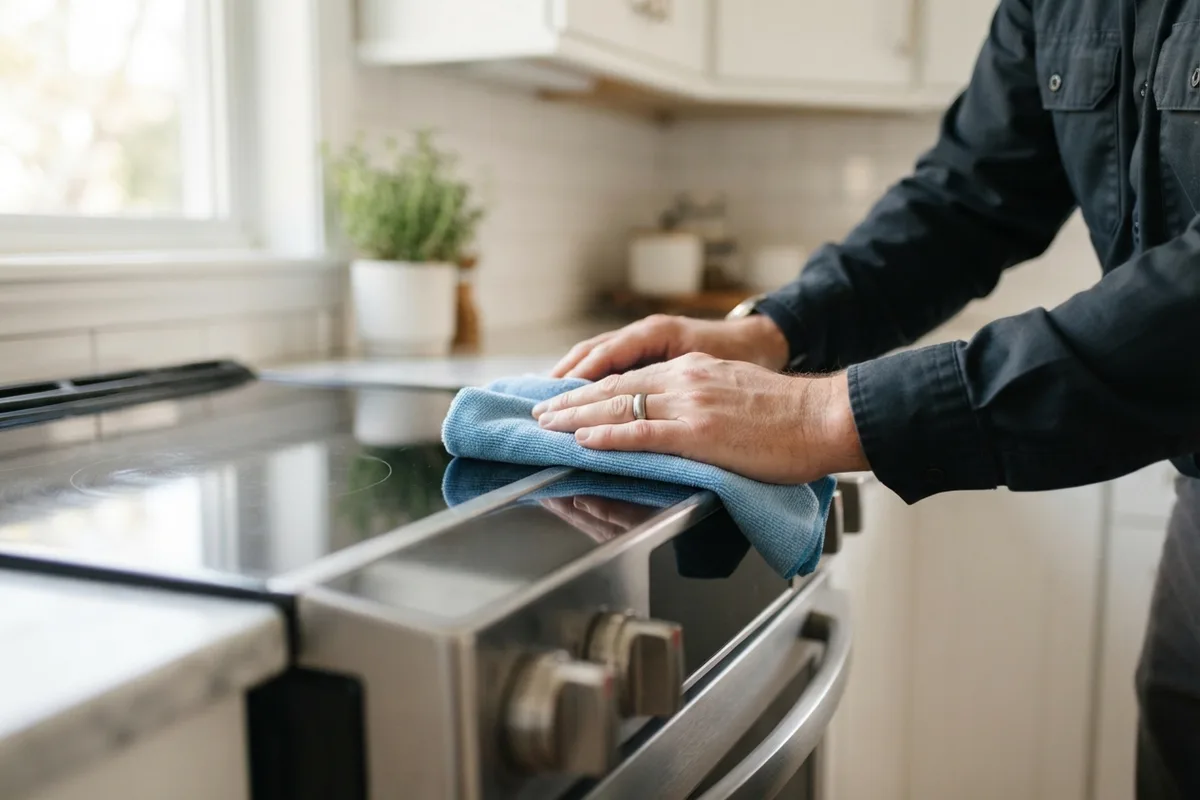
Clean and Dry the Touchpad Membrane
Capacitive touch controls and membrane switches rely on consistent surface contact to register inputs. Over time, grease splatters, steam from simmering pots, cleaning spray residue, or moisture trapped under the plastic film can insulate the sensors or cause phantom key presses that freeze the entire interface.
- Disconnect power to your oven at the breaker box before cleaning to prevent accidental element activation.
- Mix warm water with a few drops of mild dish soap; avoid abrasive powders, glass cleaners with ammonia, or citrus degreasers that degrade touchpad adhesives.
- Dampen a soft microfiber cloth with the soapy water, making sure it is damp rather than dripping wet.
- Gently wipe away built-up grease, paying extra attention to the seams around the display glass and primary buttons.
- Dry the entire console thoroughly with a clean, lint-free cloth and let it air-dry for 15 minutes before restoring power.
Keeping your cooktop free from thick grease also supports long-term kitchen safety and reliability, a key habit covered in our guide on how to extend appliance lifespan.
Inspect the Ribbon Cable Connection
The membrane keypad sends signals to the main electronic control board through a flexible, multi-pin ribbon cable. Daily vibrations from oven doors closing, high baking temperatures, or kitchen humidity can loosen this connector or cause minor corrosion on the delicate contact pins.
- Shut off the dedicated circuit breaker and verify the oven has zero electrical power.
- Slide the range slightly forward and remove the upper back panel screws using a quarter-inch nut driver or Phillips screwdriver.
- Locate the thin, flat plastic ribbon connecting the front keypad to the electronic control board (ERC).
- Gently release the cable locking tab and slide the ribbon out of its terminal.
- Inspect the copper traces for discoloration, bending, or scorch marks.
- Wipe the contacts gently with a dry, lint-free swab, reseat the ribbon firmly into the socket, and secure the locking clip.
- Reassemble the rear panel before turning the electrical breaker back on.
| Issue Observed | Likely Culprit | Recommended DIY Action |
|---|---|---|
| "Loc" or Padlock Icon on Display | Active Child Lockout | Hold Lock/Clear key for 3-5 seconds |
| Single Button Fails to Respond | Damaged Switch Membrane | Replace keypad overlay/membrane |
| Entire Screen Dark and Silent | No Power or Tripped Breaker | Reset breaker; inspect outlet voltage |
| Touchpad Beeps but Won't Heat | Bad Door Switch or Relay | Test door latch and bake relays |
| Error Code (e.g., F1, F3, E0) | Sensor or Control Board Fault | Power cycle; check component resistance |
Check for a Tripped Thermal Fuse
Many modern ovens include an internal thermal cut-off fuse located behind the control console or along the back wall. If the oven recently completed a high-heat self-cleaning cycle or suffered a ventilation blockage, this safety device trips to prevent electrical fires, cutting power directly to the display or touchpad relays.
- Disconnect power at the main service panel and pull the range away from the wall.
- Remove the protective metal back cover to access the upper rear wiring harness.
- Find the thermal fuse, which usually looks like a small white or silver component with two wires attached.
- Label and disconnect the two wire slip connectors.
- Set a digital multimeter to the lowest ohms setting (or continuity mode) and touch the probes to the fuse terminals.
- A functional fuse shows near-zero resistance (continuity). If the meter reads "OL" or infinite resistance, the fuse is blown and requires replacement.
Thermal fuse replacements generally cost between $15 and $40 for the component, making it an affordable DIY fix if high ambient heat caused a sudden shutdown.
When to Call a Pro
If you have performed a hard reset, cleaned the touchpad surface, and confirmed power delivery without success, the issue likely points to a failed electronic control board (ERC) or damaged internal micro-soldering. Replacing main control boards requires model-specific programming, handling static-sensitive electronics, and navigating complex 240-volt range wiring.
For major electrical issues, broken display motherboards, or when your range door hardware interferes with safety switches—similar to issues detailed in why is my oven door not closing—bringing in a specialist is the safest choice. Standard professional oven control repairs typically range from $180 to $430 depending on brand, board availability, and local labor rates. When you need skilled diagnostics without the hassle, True Appliance Repair can match you with an independent, vetted local technician to get your kitchen cooking again quickly.
FAQ
Can steam from my cooktop ruin the oven control panel?
Yes. Cooking pots boiling vigorously without a range hood can direct concentrated steam toward the front console. This moisture can penetrate behind the touch membrane, shorting delicate circuits or creating false button presses until completely dry.
Why does my oven touchpad beep when I am not touching it?
Ghost beeping usually indicates a stuck membrane button, trapped moisture between the plastic layers, or a failing control board processor. Cleaning the surface and drying it thoroughly often stops random beeps; if it persists, the keypad membrane typically needs replacement.
How much does it cost to replace an oven touchpad?
Replacing just the exterior membrane switch overlay usually costs $60 to $150 for parts if done yourself. If the entire underlying digital control board must be replaced by a technician, total costs generally range between $200 and $450, varying by brand and model.
Can I bypass a broken oven control board to cook?
No. Modern digital ovens rely on the control board to regulate temperature, monitor safety limits, and control heating elements. Attempting to bypass safety switches or boards creates severe fire and electrical hazards.