
When a major home appliance suddenly freezes, displays a cryptic error code, or refuses to start mid-cycle, a simple system reset often clears the temporary control glitch. Power surges, momentary voltage drops, or interrupted operating cycles can cause internal microprocessors to lock up. Following a safe, systematic reset routine restores normal operation without unnecessary repair visits or costly component replacements.
Before performing any hands-on troubleshooting, safety must come first. Always turn off power at the breaker or unplug the unit before inspecting internal components or wiring, and turn off gas or water shutoff valves when working around utility connections. If you ever detect burning smells, exposed electrical wiring, or gas odors, stop immediately and contact a professional.
Perform a Hard Power Reset by Disconnecting Power
Modern major appliances rely on complex electronic control boards that operate much like small computers. When digital memory suffers a temporary glitch, disconnecting electrical power drains residual voltage from circuit capacitors, allowing the microprocessor to perform a fresh boot sequence.
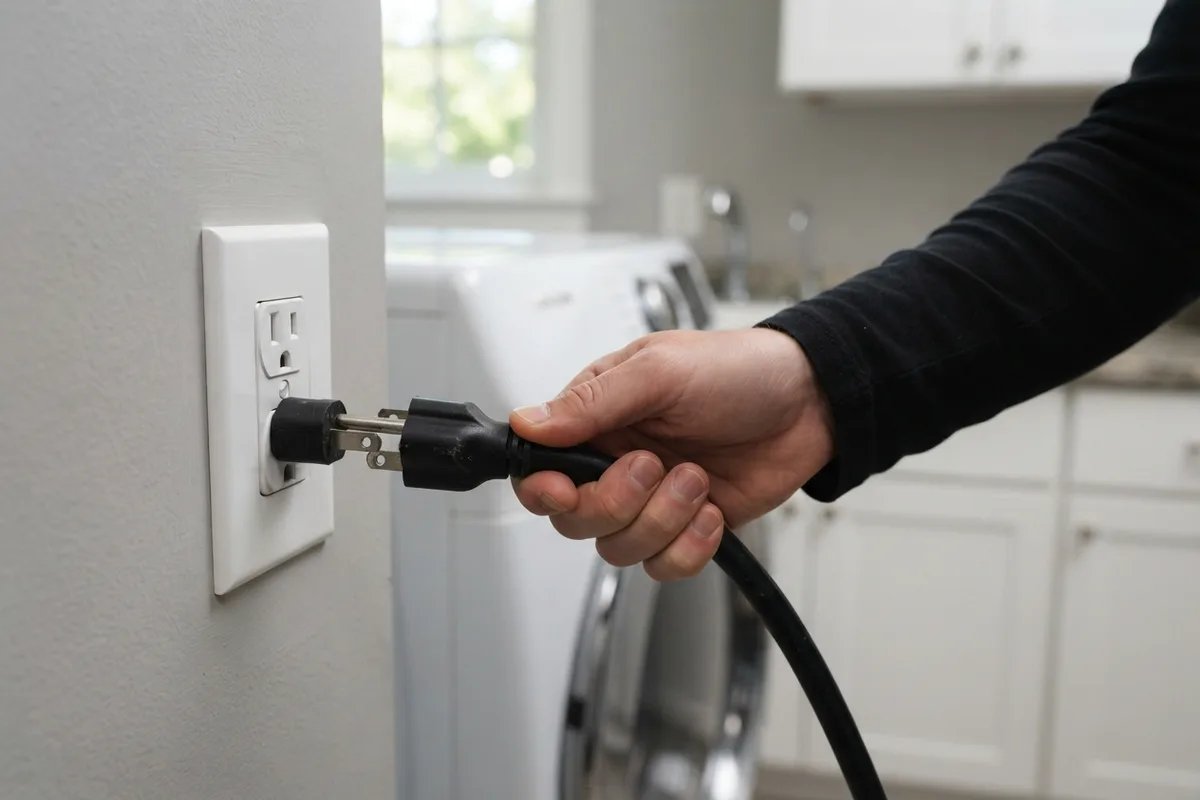
- Disconnect the Power Source: Unplug the power cord directly from the wall outlet. If the plug is inaccessible behind built-in cabinetry, locate your home’s electrical panel and flip the dedicated breaker to the off position.
- Wait for Full Power Discharge: Leave the unit completely unpowered for at least 5 to 10 minutes. A brief 10-second unplug often leaves enough lingering voltage inside control capacitors to maintain the error state.
- Restore Power and Monitor: Plug the power cord firmly back into the receptacle or reset the circuit breaker. Allow the control display 60 seconds to complete its initial startup diagnostic before pressing any buttons or initiating a cycle.
This simple power reset clears standard memory locks on modern refrigerators, laundry units, dishwashers, and range controls. If an error reappears immediately upon power-up, the control board is likely sensing an ongoing physical component fault.
Clear Stuck Error Codes with Control Board Combos
Many household units feature built-in key combinations designed to clear stored fault history or force a manual reset without disconnecting the main power cord. These button sequences vary by brand, but many follow standard industry design patterns.
- Press and Hold Power/Cancel: Locate the Stop, Cancel, or Power button on the digital control pad. Press and hold it continuously for 3 to 5 seconds to interrupt an active cycle and clear responsive error codes.
- Execute Dual-Button Resets: On many electronic control panels, holding down two specific buttons simultaneously (such as Option and Select, or Temp and Delay Start) for 5 seconds forces a control reboot.
- Cycle the Control Lock Feature: If the panel buttons seem completely unhelpful, inspect the screen for a lock icon. Holding the Lock or Control Lock button for 3 seconds toggles child safety modes off, which frequently mistaken for a frozen board.
If you frequently encounter mid-cycle control lockups on washing equipment, reviewing guide resources like why your washer stops mid-cycle can help identify underlying sensor triggers.
Reset Internal Thermal Limit Switches and Breakers
High-heat appliances contain internal thermal limit switches designed to trip power when internal operating temperatures exceed safe safety thresholds. When these components trip, the appliance may maintain panel display power while refusing to activate heating elements or drive motors.
- Isolate Power Completely: Unplug the appliance power cord or switch off the dedicated circuit breaker before attempting to locate internal reset access panels.
- Locate Thermal Switches: On garbage disposals, electric heaters, and motor housings, look for a small red or black manual reset button. Disposals feature this button directly on the bottom underside of the motor housing.
- Depress the Reset Button: Press the red or black button firmly inward until you feel a distinct mechanical click. If the button pops back out immediately, allow the appliance to cool down completely for 30 minutes before trying again.
 Never bypass or bridge a thermal cutoff switch. If a thermal limit button trips repeatedly, an airflow obstruction, failed blower motor, or restricted exhaust ductwork is causing unsafe heat accumulation that requires immediate correction.
Unlatch Stuck Safety Switches and Door Locks
Automatic door locks and safety interlock switches prevent appliances from running while doors or access panels remain open. If an interlock switch gets stuck in an open position or a motorized door lock fails to release, the control system prevents cycle operation as a protective measure.
- Inspect Door Latch Assemblies: Open the appliance door and clear any accumulated grease, detergent buildup, or lint from around the latch hook and strike plate.
- Manually Cycle the Latch: Gently press the door switch lever inward with your finger to verify the internal spring toggles freely. If the switch feels spongy or sticks, clean the surrounding plastic housing.
- Perform a Door Lock Reset Sequence: On units with electronic door locks, unplug power for 10 minutes. Upon restoring power, press the door frame firmly inward while pushing the Start button to assist the motorized lock in re-engaging.
If your cooking equipment encounters door lock issues following self-cleaning modes, checking targeted solutions like why your oven keeps shutting off provides additional electrical diagnostic steps.
Drain Trapped Water to Clear Pressure Sensor Locks
Water-using appliances rely on pressure switches and float sensors to monitor water levels inside tubs and sumps. If residual water remains trapped around internal sensor ports, the main control board will refuse to start a new fill or wash cycle to prevent overflow conditions.
- Shut Off the Water Supply: Turn off the local water shutoff valve behind the unit or under the sink before performing drainage maintenance.
- Clear the Sump or Drain Filter: Remove standing water manually using a cup or wet-dry vacuum. Unscrew the lower drain filter screen and remove debris, food particles, or stray objects blocking sensor inlets.
- Reset the Pressure Switch Line: Inspect transparent air pressure tubes connected to the drain pump housing. Dislodge any visible clogs or soap scum buildup that may trap artificial air pressure against the sensor.
For units experiencing persistent water buildup while turned off, reviewing steps on dishwasher filling with water when off can resolve valve leakage before resetting system controls.
Check Home Breakers Before Attempting Repeated Resets
Sometimes an appliance appears to need an internal reset when the primary issue lies within your home’s electrical distribution panel. High-draw appliances can trip double-pole circuit breakers partially, leaving the control panel illuminated while cutting power to high-voltage components like compressors or heating elements.
- Locate the Main Electrical Panel: Open your home’s breaker box and identify the dedicated breaker supplying the appliance.
- Look for Neutral Breaker Positions: A tripped breaker does not always flip entirely to the OFF position; it often rests in a neutral center position between ON and OFF.
- Execute a Full Breaker Reset: Firmly switch the breaker completely to the OFF position until it clicks, wait 5 seconds, and then flip it firmly back to the ON position.
| Appliance Type | Common Reset Trigger | Standard DIY Reset Method | Critical Precaution |
|---|---|---|---|
| Refrigerators | Power surge / voltage drop | Unplug power for 10 minutes; clean coils | Do not alter defrost control board wiring |
| Washing Machines | Unbalanced load / lid lock | Unplug for 5 minutes; open/close lid 6 times | Disconnect power before checking belt or pump |
| Dishwashers | Interrupted cycle / standing water | Hold Cancel 3 seconds; clear sump filter | Turn off water supply before clearing drain lines |
| Garbage Disposals | Jammed impeller / motor overload | Clear jam; press bottom red reset button | Never place hands inside hopper; unplug first |
| Ovens & Ranges | Post-self-clean lock / surge | Flip breaker off for 15 mins; cool unit down | Stop immediately if gas odor is detected |
When to Call a Pro
While clearing a temporary control board glitch or pressing a thermal reset button is standard DIY maintenance, recurring resets point to deeper mechanical or electrical failure. If your home equipment requires repeated daily resets, trips circuit breakers constantly, displays persistent error codes after power restoration, or exhibits burning odors, stop operating the unit immediately.
Complex repairs involving internal wiring harnesses, gas supply valves, high-voltage heating elements, or sealed refrigeration systems require specialized diagnostic equipment and technical expertise. Attempting invasive electrical disassembly without training presents severe safety hazards.
When basic reset routines fail to restore normal operation, True Appliance Repair can match you with a local appliance pro to diagnose and resolve complex system faults safely.
FAQ
Will resetting an appliance erase my custom settings?
Performing a basic power reset or holding the cancel button typically resets active cycle programming and clears temporary error logs. However, non-volatile memory chips retain permanent user settings like clock preferences, temperature calibrations, and Wi-Fi network configurations on modern smart appliances.
How long should I leave an appliance unplugged for a hard reset?
Leaving the appliance unplugged or switching off its dedicated breaker for 5 to 10 minutes ensures full electrical discharge. Control capacitors store small amounts of electrical energy that can maintain memory states during brief power interruptions of 30 seconds or less.
Why does my appliance keep needing a reset every few days?
Repeated reset requirements indicate an unresolved hardware defect, such as a failing sensor, overheating motor, weak capacitor, or failing control module. Using frequent resets to bypass protective error codes can cause severe component damage or electrical hazards over time.
Is it safe to reset an appliance while water is still inside?
If standing water remains in a washer or dishwasher, clear visible water manually or run a manual Drain/Spin cycle before resetting the main power. Resetting the unit with a full tub can trigger secondary overflow error sensors or cause water to leak onto internal electrical harnesses upon power-up.